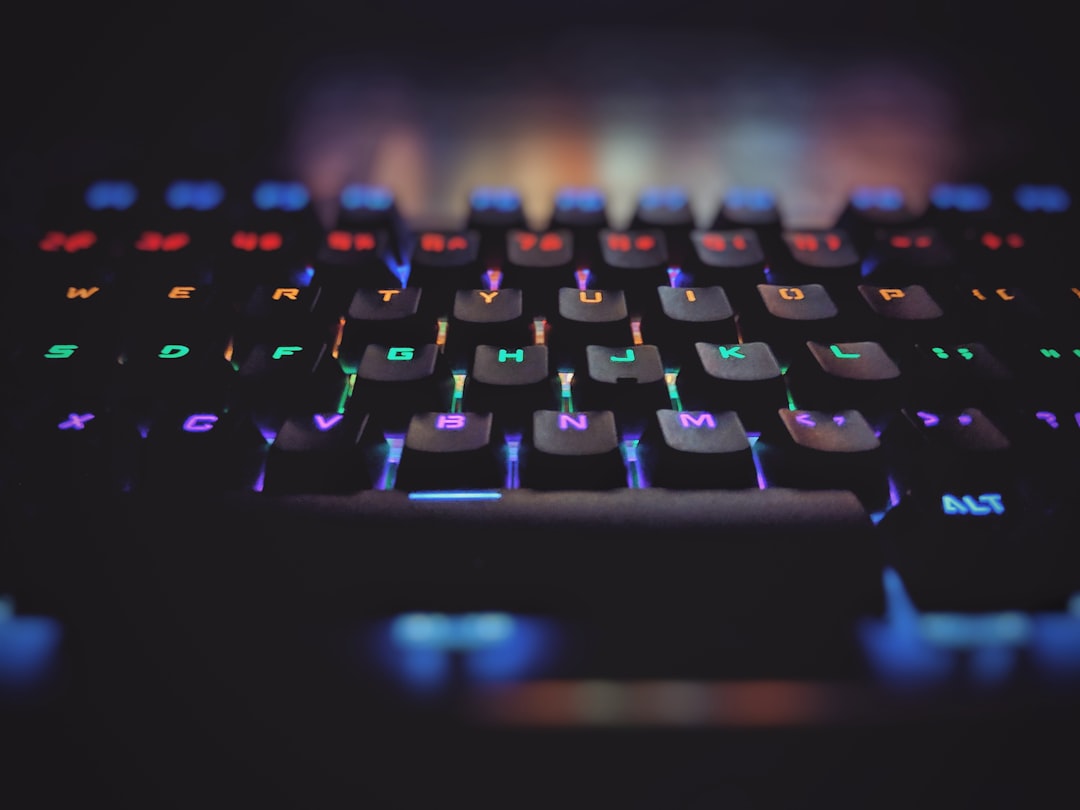
Gaming keyboards are specialized input devices designed to meet the unique needs of gamers. These keyboards feature a range of enhancements that improve the gaming experience, including customizable keys, backlighting, and ergonomic designs. Built to withstand intense and prolonged use, gaming keyboards offer durability and reliability for extended gaming sessions.
One of the key features of gaming keyboards is the inclusion of mechanical switches, which provide tactile and audible feedback preferred by many gamers. These switches contribute to improved responsiveness and precision during gameplay. Many gaming keyboards come with dedicated software that allows users to customize key functions, create macros, and personalize lighting effects.
This level of customization enables gamers to tailor their keyboard to their specific preferences and gaming style. The backlighting on gaming keyboards serves both aesthetic and functional purposes. It adds visual appeal to the gaming setup and improves key visibility in low-light conditions, enhancing overall usability.
Ergonomic designs are often incorporated into gaming keyboards to reduce strain and fatigue during long gaming sessions. This feature is particularly important for competitive gamers who may spend extended periods using their keyboards. Overall, gaming keyboards are designed to provide a competitive edge by offering enhanced performance, durability, and customization options.
These features make them an essential tool for serious gamers looking to improve their gameplay and overall gaming experience.
Key Takeaways
- Gaming keyboards are designed specifically for gaming purposes, with features such as customizable keys and lighting, and faster response times.
- When choosing a gaming keyboard, consider factors such as switch type, key rollover, and extra features like macro keys and wrist rests.
- Top features to look for in a gaming keyboard include mechanical switches for durability and tactile feedback, customizable RGB lighting, and programmable macro keys.
- Mechanical keyboards are generally preferred for gaming due to their durability, tactile feedback, and faster response times, while membrane keyboards are more affordable and quieter.
- Some top gaming keyboards on the market include the Razer BlackWidow, Corsair K95 RGB Platinum, and Logitech G Pro X, each offering unique features and customization options.
- Customization and personalization options for gaming keyboards include remapping keys, creating custom lighting profiles, and programming macros for specific in-game actions.
- Maintenance and care tips for gaming keyboards include regular cleaning, avoiding spills, and using a keyboard cover when not in use to prevent dust and debris buildup.
Factors to Consider When Choosing a Gaming Keyboard
Switch Type: Mechanical vs Membrane
The type of switches used in the keyboard is a crucial factor to consider. Mechanical switches are preferred by many gamers for their tactile feedback and durability, while membrane switches are quieter and more affordable.
Keyboard Layout and Customization
The layout of the keyboard is also an important factor to consider, as some gamers prefer compact designs while others may require a full-sized keyboard with a number pad. Additionally, consider the customization options available with the keyboard, such as programmable keys, macro support, and customizable lighting effects.
Build Quality and Additional Features
It’s also important to consider the build quality and durability of the keyboard, as well as any additional features such as USB pass-through ports or wrist rests. These features can enhance your overall gaming experience and provide added convenience.
Overall, it’s important to consider your specific gaming needs and preferences when choosing a gaming keyboard.
Top Features to Look for in a Gaming Keyboard

When shopping for a gaming keyboard, there are several key features to look for that can enhance your gaming experience. Firstly, customizable keys are a must-have feature for gamers, as they allow you to assign specific functions or macros to individual keys for quick and easy access during gameplay. Backlighting is another important feature to consider, as it not only adds a cool aesthetic to your setup but also provides better visibility in low-light conditions.
Additionally, look for a keyboard with programmable keys and macro support, which can help streamline your gameplay and give you a competitive edge. Finally, consider the build quality and durability of the keyboard, as well as any additional features such as USB pass-through ports or wrist rests. When shopping for a gaming keyboard, there are several key features to look for that can enhance your gaming experience.
Firstly, customizable keys are a must-have feature for gamers, as they allow you to assign specific functions or macros to individual keys for quick and easy access during gameplay. Backlighting is another important feature to consider, as it not only adds a cool aesthetic to your setup but also provides better visibility in low-light conditions. Additionally, look for a keyboard with programmable keys and macro support, which can help streamline your gameplay and give you a competitive edge.
It’s also important to consider the build quality and durability of the keyboard, as well as any additional features such as USB pass-through ports or wrist rests. Overall, these features can greatly enhance your gaming experience and give you the tools you need to succeed in your favorite games.
When it comes to choosing between mechanical and membrane keyboards for gaming, there are several factors to consider. Mechanical keyboards are preferred by many gamers for their tactile feedback and durability. They offer a more satisfying typing experience and are generally more responsive than membrane keyboards.
However, they can be louder and more expensive than membrane keyboards. On the other hand, membrane keyboards are quieter and more affordable than mechanical keyboards. They offer a softer typing experience but may not be as durable or responsive as mechanical keyboards.
Ultimately, the choice between mechanical and membrane keyboards comes down to personal preference and budget. When it comes to choosing between mechanical and membrane keyboards for gaming, there are several factors to consider. Mechanical keyboards are preferred by many gamers for their tactile feedback and durability.
They offer a more satisfying typing experience and are generally more responsive than membrane keyboards. However, they can be louder and more expensive than membrane keyboards. On the other hand, membrane keyboards are quieter and more affordable than mechanical keyboards.
They offer a softer typing experience but may not be as durable or responsive as mechanical keyboards. Ultimately, the choice between mechanical and membrane keyboards comes down to personal preference and budget. It’s important to consider your specific gaming needs and preferences when choosing between these two types of keyboards.
Top Gaming Keyboards on the Market: Reviews and Recommendations
| Brand | Model | Key Switches | Backlighting | Price |
|---|---|---|---|---|
| Razer | BlackWidow Elite | Razer Green Mechanical | RGB | 129.99 |
| Corsair | K95 RGB Platinum | Cherry MX Speed | RGB | 199.99 |
| Logitech | G Pro X | Swappable GX Blue Clicky | RGB | 149.99 |
| SteelSeries | Apex Pro | OmniPoint Adjustable | RGB | 199.99 |
There are several top gaming keyboards on the market that cater to different gaming needs and preferences. The Corsair K95 RGB Platinum is a popular choice among gamers for its durable aluminum frame, customizable RGB backlighting, and Cherry MX key switches. The Razer BlackWidow Elite is another top contender with its customizable Chroma RGB lighting, programmable keys, and Razer Green mechanical switches.
For those looking for a more budget-friendly option, the HyperX Alloy FPS Pro offers a compact design, Cherry MX mechanical key switches, and red LED backlighting. The Logitech G Pro X is also worth considering for its swappable pro-grade switches, customizable RGB lighting, and compact design. Overall, these top gaming keyboards offer a range of features that can enhance your gaming experience and give you the competitive edge you need.
There are several top gaming keyboards on the market that cater to different gaming needs and preferences. The Corsair K95 RGB Platinum is a popular choice among gamers for its durable aluminum frame, customizable RGB backlighting, and Cherry MX key switches. The Razer BlackWidow Elite is another top contender with its customizable Chroma RGB lighting, programmable keys, and Razer Green mechanical switches.
For those looking for a more budget-friendly option, the HyperX Alloy FPS Pro offers a compact design, Cherry MX mechanical key switches, and red LED backlighting. The Logitech G Pro X is also worth considering for its swappable pro-grade switches, customizable RGB lighting, and compact design. Overall, these top gaming keyboards offer a range of features that can enhance your gaming experience and give you the competitive edge you need.
Customization and Personalization: How to Make the Most of Your Gaming Keyboard
Customization for Enhanced Gameplay
Most gaming keyboards come with specialized software that allows users to customize key functions, create macros, and personalize lighting effects. By taking advantage of these features, you can tailor your keyboard to suit your specific gaming needs and preferences.
Streamlining Your Gameplay
Assign specific functions or macros to individual keys for quick and easy access during gameplay. This allows you to focus on the game rather than searching for the right keys. Experiment with different lighting effects to create a cool aesthetic for your setup while also improving visibility in low-light conditions.
Getting a Competitive Edge
Additionally, take advantage of any additional customization options such as programmable keys or macro support to streamline your gameplay and give yourself a competitive edge. By customizing your keyboard to your specific needs, you can improve your performance and gain an advantage over your opponents.
Maintenance and Care Tips for Your Gaming Keyboard
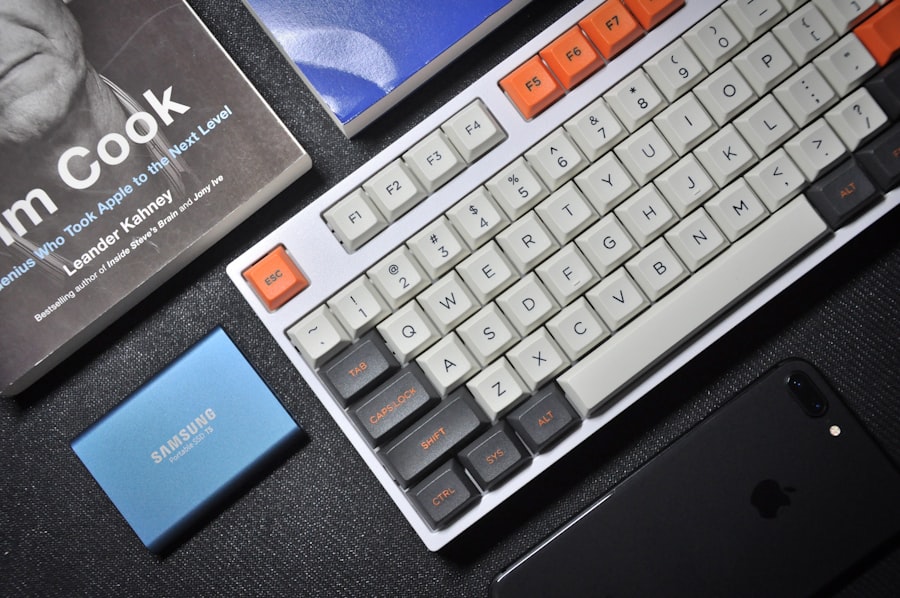
Proper maintenance and care are essential for keeping your gaming keyboard in top condition. Regularly clean your keyboard by removing keycaps and using compressed air or a soft brush to remove dust and debris from underneath the keys. Avoid eating or drinking near your keyboard to prevent spills that can damage the internal components.
If spills do occur, immediately disconnect the keyboard and clean it thoroughly with isopropyl alcohol or contact cleaner. Additionally, consider using a keyboard cover when not in use to protect it from dust and debris. Finally, be gentle when removing or replacing keycaps to avoid damaging the switches or stabilizers underneath.
Proper maintenance and care are essential for keeping your gaming keyboard in top condition. Regularly clean your keyboard by removing keycaps and using compressed air or a soft brush to remove dust and debris from underneath the keys. Avoid eating or drinking near your keyboard to prevent spills that can damage the internal components.
If spills do occur, immediately disconnect the keyboard and clean it thoroughly with isopropyl alcohol or contact cleaner. Additionally, consider using a keyboard cover when not in use to protect it from dust and debris. Finally, be gentle when removing or replacing keycaps to avoid damaging the switches or stabilizers underneath.
By following these maintenance and care tips, you can ensure that your gaming keyboard remains in top condition for years to come.
If you’re in the market for a new gaming keyboard, you may want to check out the review of the RK96 RGB Limited Ed Mechanical Keyboard on Wired Keyboards. This keyboard offers customizable RGB lighting and a compact design, making it a great option for gamers looking for a high-performance keyboard. With its durable construction and responsive keys, the RK96 is sure to enhance your gaming experience. Check out the full review here.
FAQs
What are gaming keyboards?
Gaming keyboards are specialized keyboards designed for gaming purposes. They often feature customizable keys, backlighting, and additional gaming-specific features such as macro keys and anti-ghosting technology.
What are the benefits of using a gaming keyboard?
Gaming keyboards offer benefits such as faster response times, improved durability, and customizable features that can enhance the gaming experience. They are also designed to withstand heavy and prolonged use.
What features should I look for in a gaming keyboard?
When choosing a gaming keyboard, look for features such as mechanical switches for tactile feedback, customizable RGB lighting, programmable macro keys, anti-ghosting technology, and a comfortable wrist rest.
Are gaming keyboards compatible with all gaming systems?
Most gaming keyboards are compatible with a wide range of gaming systems, including PC, Mac, and gaming consoles. However, it’s important to check the compatibility of the keyboard with your specific gaming system before making a purchase.
What is the difference between a regular keyboard and a gaming keyboard?
Gaming keyboards are designed with features specifically tailored to enhance the gaming experience, such as mechanical switches for faster response times, customizable backlighting, and programmable macro keys. They are also built to withstand heavy and prolonged use.